
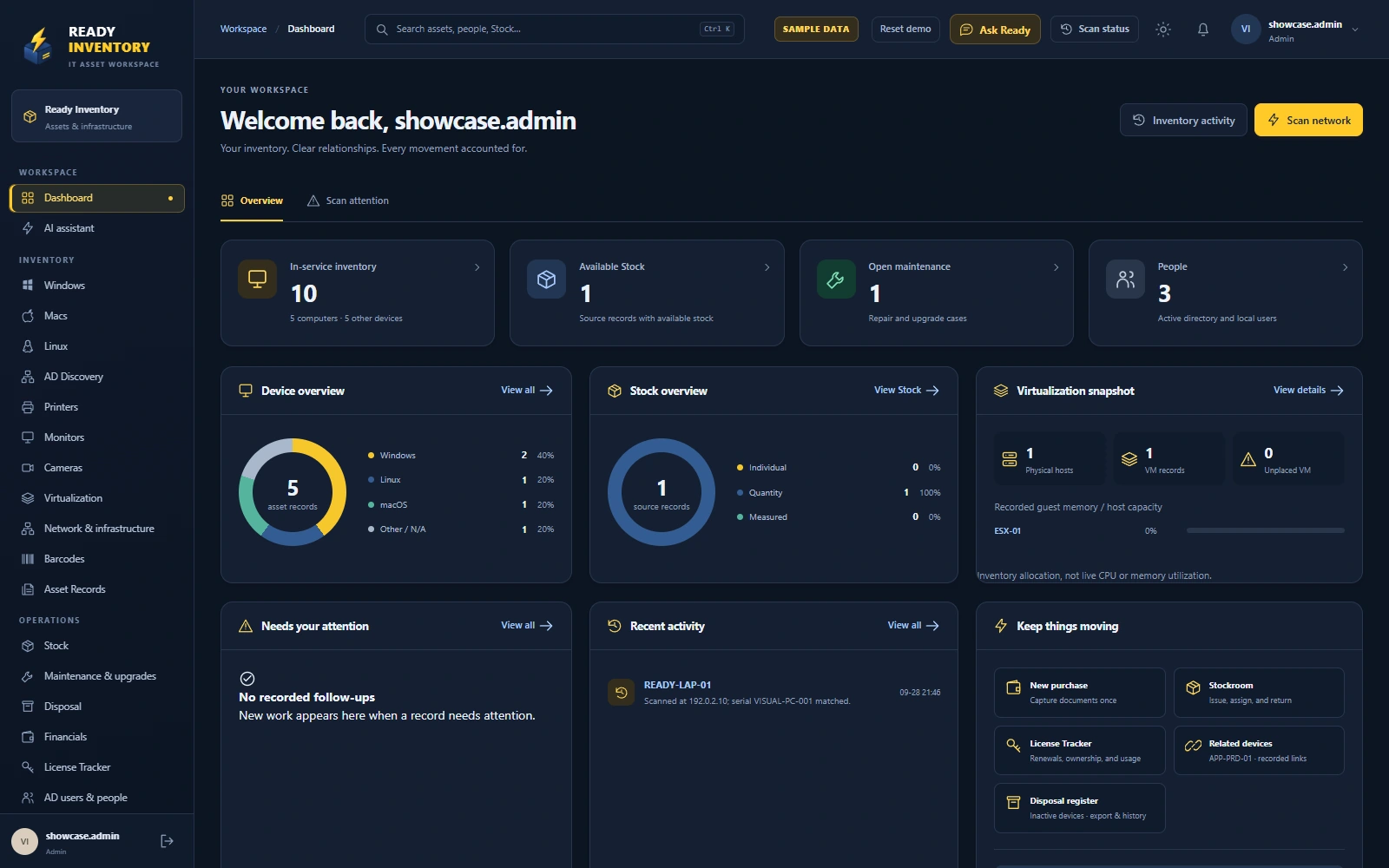
People & accountability
Bring directory people and linked local account identities together. See equipment custody alongside separately recorded system access.
YOUR IT ASSETS. ALL CONNECTED.
Bring devices, people and purchasing into one clear picture. Follow every asset from its first scan to its next chapter.
Self-hosted on Windows or Linux. Available through your browser.
A CLOSER LOOK
Find the device. Understand who has it. See what it cost and what needs attention. Ready Inventory keeps the context close.
Give every device a profile that connects the practical details: its custodian, location, purchasing records, maintenance and history.
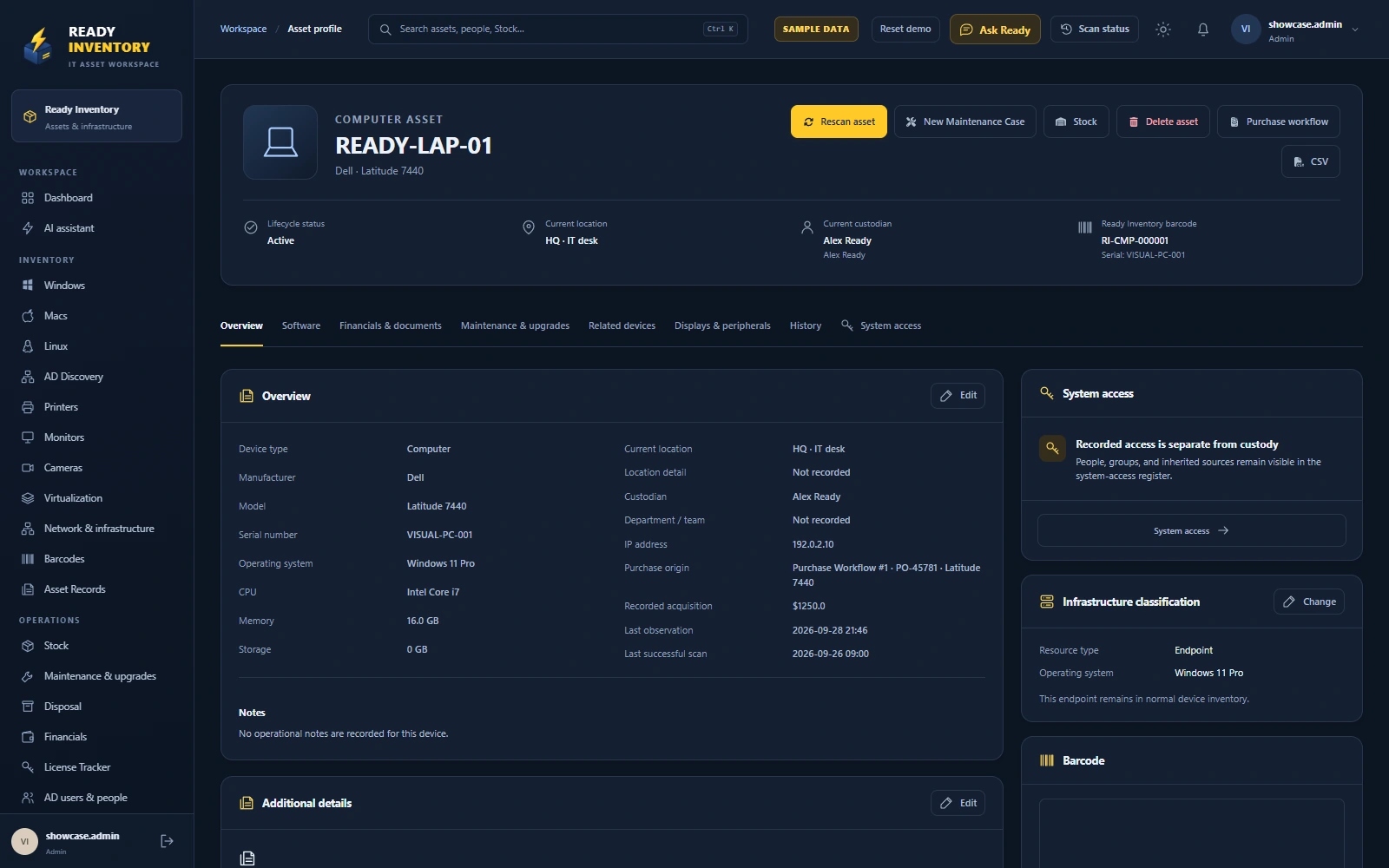
Use directory and network discovery to build your inventory, then keep it current with scheduled scans and focused manual checks.
Discovery depends on device support, network access and configured credentials.
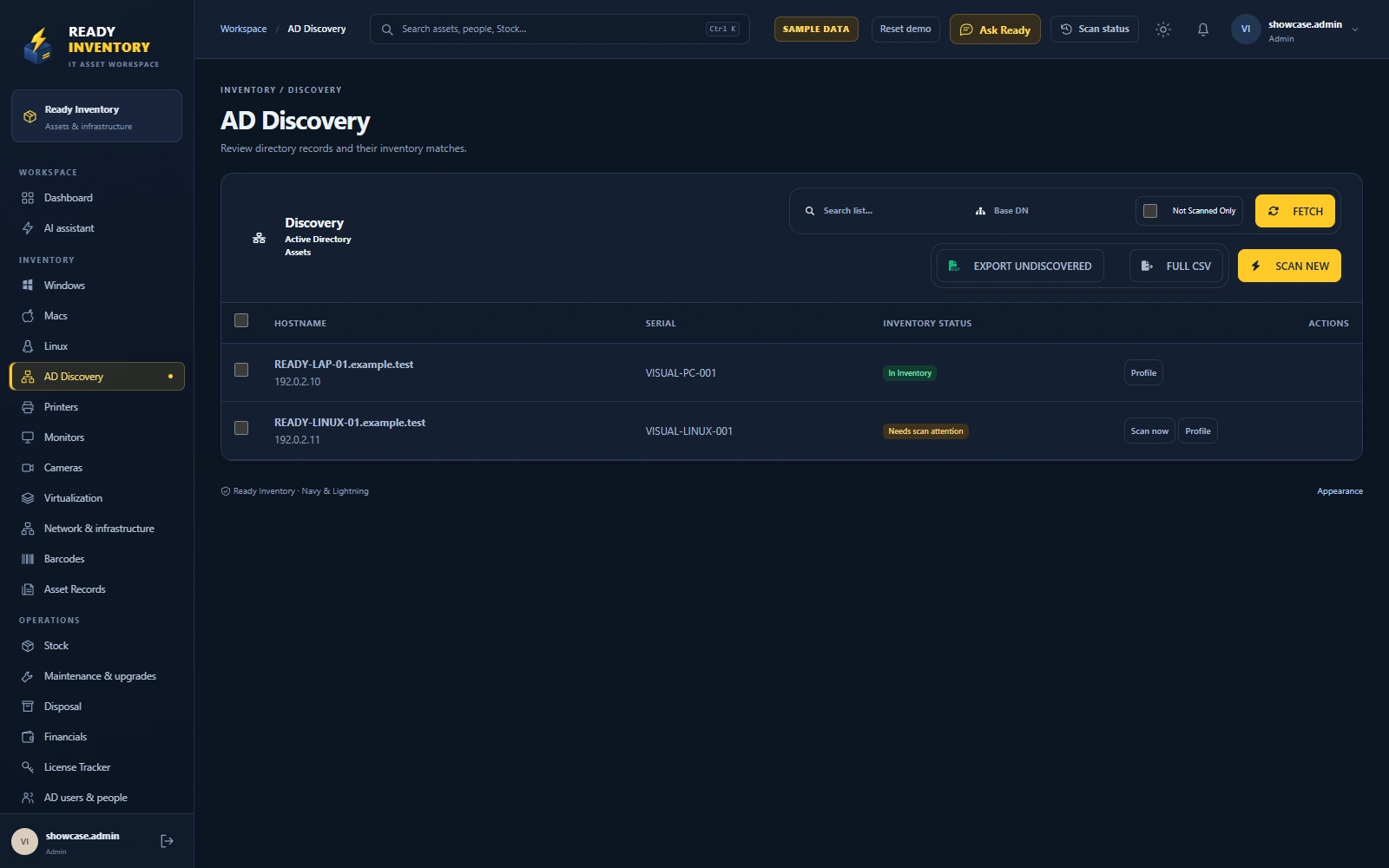
Follow purchase requests, orders, invoices and receiving in a connected workflow. Keep each asset’s acquisition and maintenance context visible.
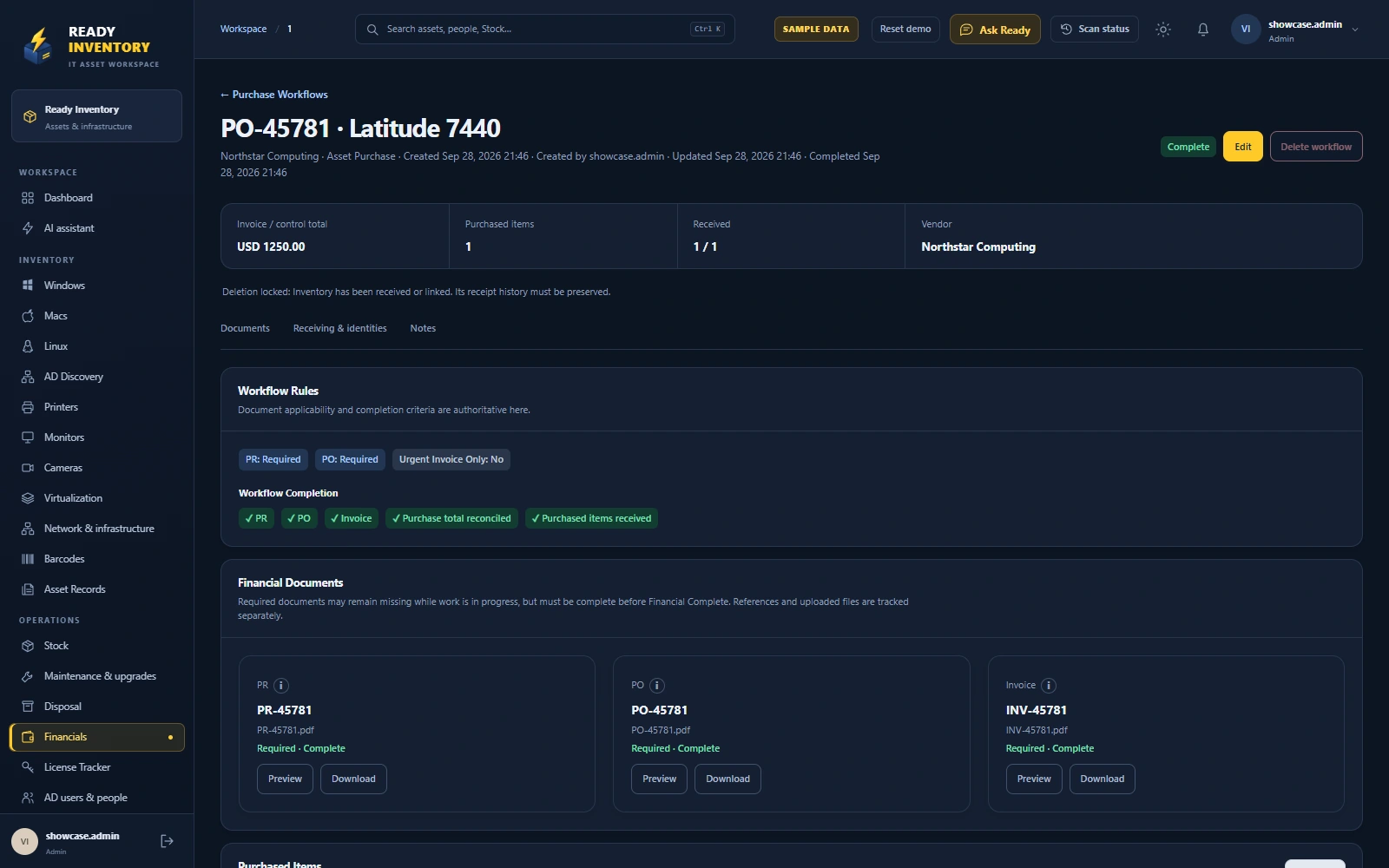
Keep software licenses alongside the people and financial records they belong to, with clear ownership and renewal follow-up.
The License Tracker manages your software records. Ready Inventory’s own installation license is separate.
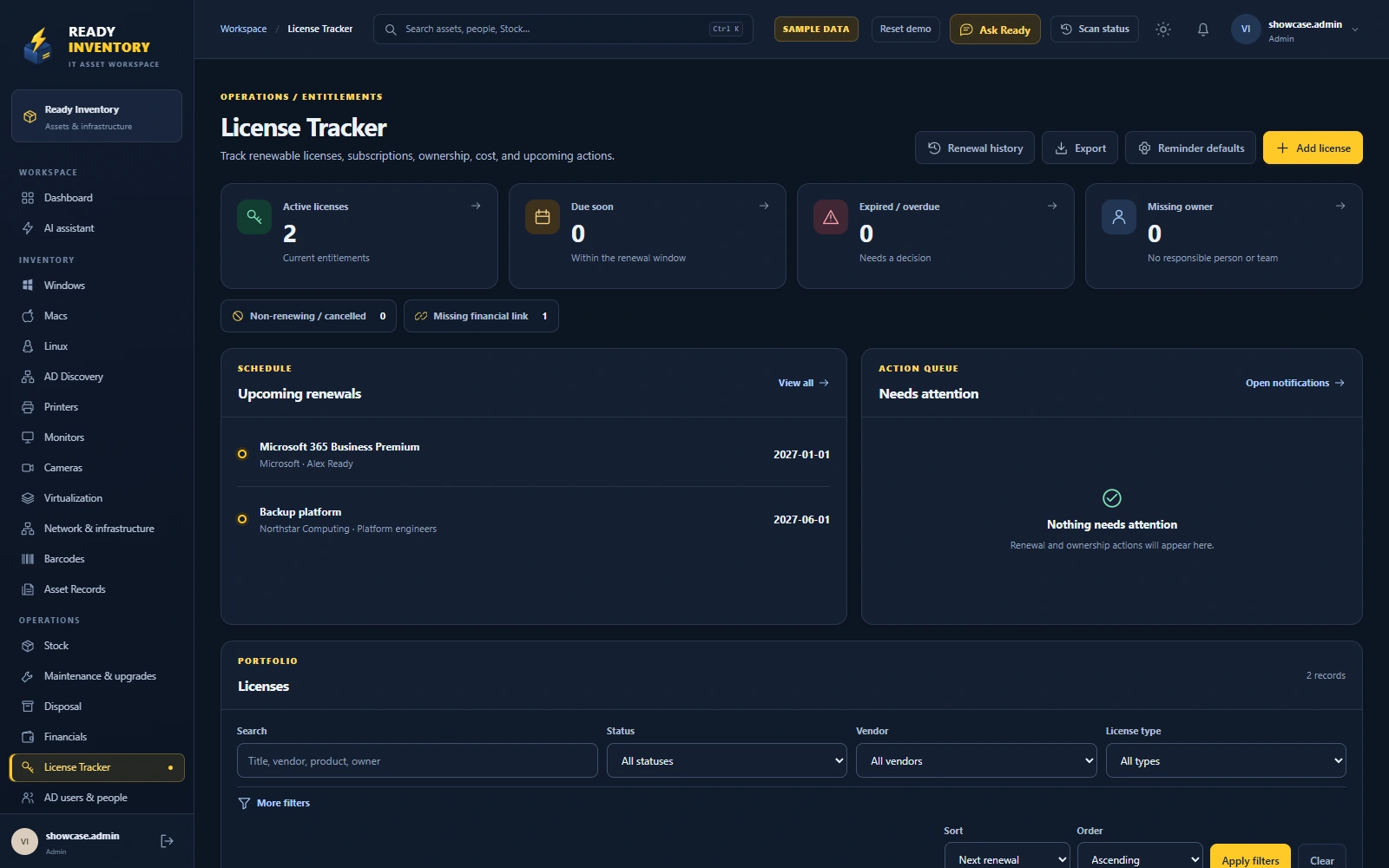
Product screenshots use fictional records for illustration.
FROM FIRST SCAN TO NEXT CHAPTER
An asset changes hands, locations and status. Its identity and recorded history should stay with it.
Find supported devices and record the details that identify them.
Connect equipment to a person, a location and a clear custodian.
Record repairs, upgrades, costs and supporting documents.
Move equipment to Stock and preserve its previous ownership.
Use reports, movement logs and lifecycle history to follow the trail.
When directory sync detects a disabled AD account, eligible assigned devices move to Stock with their history preserved. Configured exceptions remain in place, and reactivated accounts can be reviewed before reassignment.
THE DETAILS THAT MAKE THE DIFFERENCE
Bring directory people and linked local account identities together. See equipment custody alongside separately recorded system access.
Review asset custody, recorded costs, purchase receiving, Stock movement, infrastructure and disposal from their source records.
Ask about authorized records and review proposed drafts. Configure an AI provider to support your team’s workflow while keeping decisions in human hands.
Requires a configured provider. Provider terms and costs apply.Use Ready Inventory identifiers and optional company barcodes to connect physical equipment with its record.
Keep monitors, printers and cameras in the inventory. Review printer supplies where supported through SNMP.
Use module permissions and action history to support responsible operations. Keep equipment custody distinct from access permissions.
FINANCIALS, CONNECTED TO OPERATIONS
A document is one part of the story. Track what arrived, where it went, and the asset it belongs to.
Ask for a financial workflow demoConnect PR, PO, invoice, quantities and supporting files.
Link an existing asset to its purchasing record without creating another device.
Existing identity retainedReceive new equipment into inventory and move it to Stock through the workflow.
Ready for assignmentOne connected record of the purchase, the equipment and what happened next.
SELF-HOSTED. BROWSER-BASED.
Install Ready Inventory on a Windows or Linux server and give your team access through their browser. Plan the network, discovery credentials and permissions around your organization.
Discuss your deploymentRun in your own environment, including a suitably configured cloud virtual machine.
Give discovery access to the systems you want to inventory, with appropriate credentials and exclusions.
Discuss your device estate, discovery methods and team workflows before choosing your license.
Computers, monitors, printers, cameras, network devices and infrastructure records, together with people, Stock, maintenance, purchasing and software licenses. Discovery coverage depends on the device and the configured connection method.
Ready Inventory supports self-hosted deployment on a Windows or Linux server. Your team uses it through a browser. Contact us to discuss deployment requirements for your organization.
Existing assets can be linked to purchasing workflows, and identity and history are preserved through supported Stock and lifecycle actions. Share your current system and data format so we can discuss a migration approach.
Ready AI uses authorized context to answer questions and prepare reviewable drafts. Proposed changes go through the relevant review workflow. An AI provider must be configured separately.
Email contact@ready-inventory.com with your organization, intended server environment and requirements. Ask for a quotation in USD or IQD. Pricing and purchase terms are confirmed directly; this site does not take payment.
Yes—tell us which workflows you would like to explore, such as asset custody, directory discovery, purchasing, Stock returns or software licenses. The screenshots on this site use fictional records.
LET’S GET YOUR WORKSPACE READY
Tell us about your team, your devices and the workflow you want to improve.
contact@ready-inventory.comOur contact for inquiries, purchases and official correspondence.